Yuli
Wiring and User Manual for Yuli Force Measuring Platform
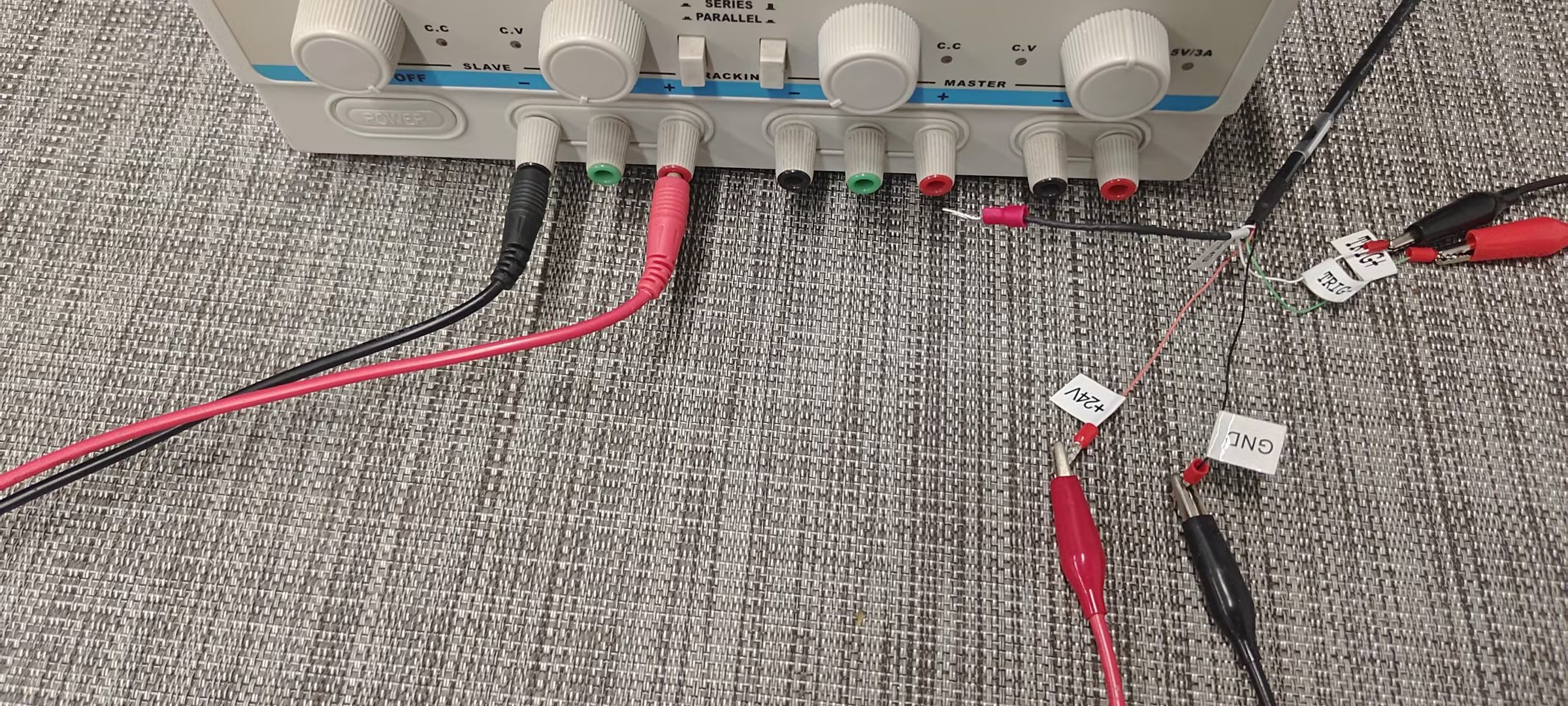
- First, insert the cable configured by the manufacturer into the receiver, with the red one connected to 24V and the black one connected to GND;
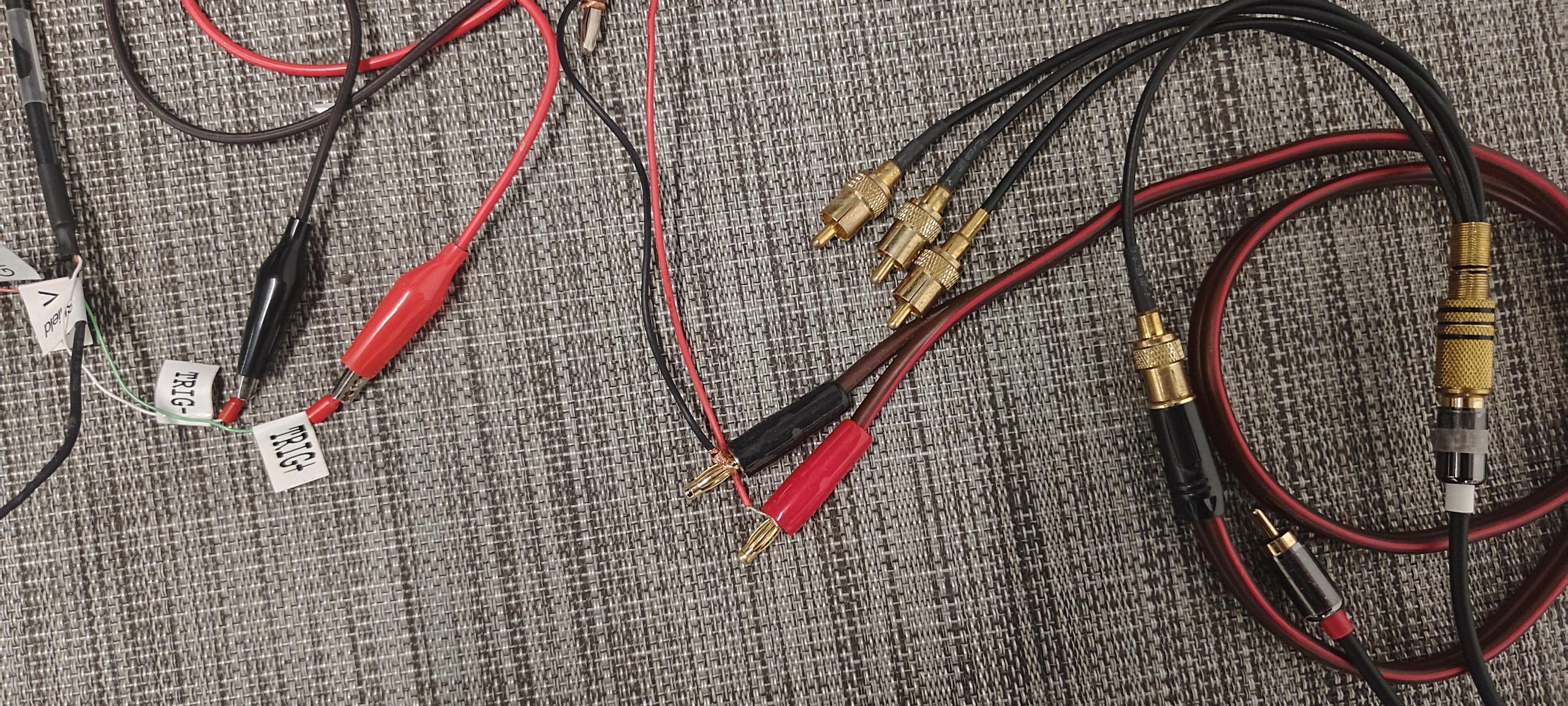
- Connect one end of the synchronization cable to the AUX port at the back of the lens with IP 201, then insert the white end into the one-to-four adapter cable. Connect the one-to-four adapter cable to the clip line: the red wire of the clip line connects to TRIG+, and the black wire connects to TRIG-.
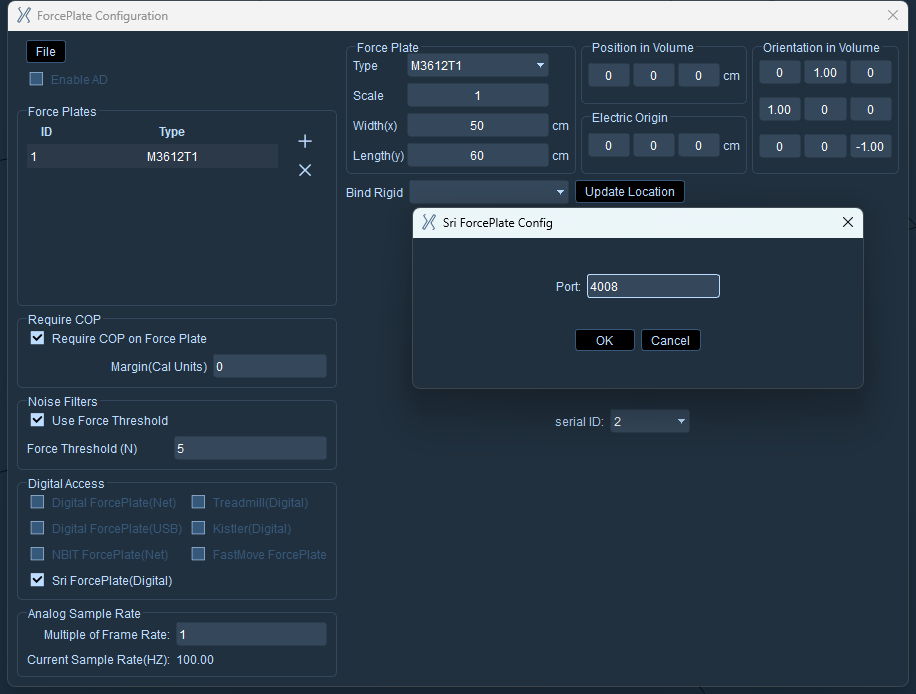
- Open the "XINGYING" software, click on the "Third-party Devices" option, and select "Force Platform Parameter Configuration" from it. Click the "+" sign on the interface to add a force platform, select the newly added force platform, and switch its type to "M3612T1". Then configure the port, click OK, and check the Yuli force platform to use it