Calibration Progress Prompt
T Calibration Progress Prompt
- The software determines whether the T calibration data collection process is complete based on two conditions: time and valid frames. The data collection process will only end when both conditions are met.
info
Calibration - Calibration Settings - Advanced: Set the valid frame count for the lens.
.png)
.png)
-
If the duration has been reached but some lenses have not yet met the required valid frame count, the progress will remain at 99% until all lenses meet the requirement.
-
During the T calibration swing process, the 2D view displays different border colors to indicate the progress of the calibration:
- When the number of collected valid frames is between 0% and 30%, the camera border color is displayed as dark red.
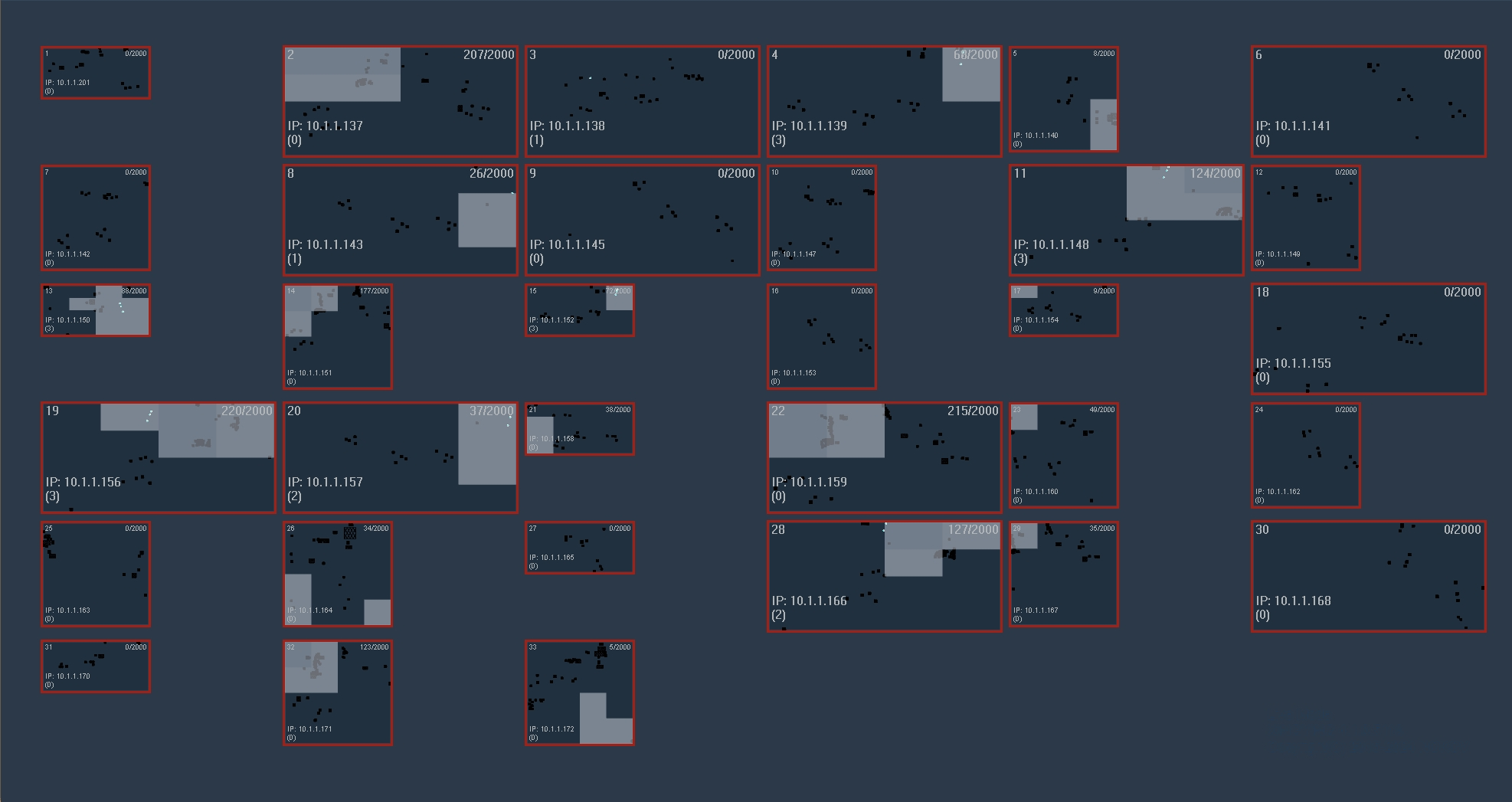
- When the number of collected valid frames is between 30% and 60%, the camera border color is displayed as light red.
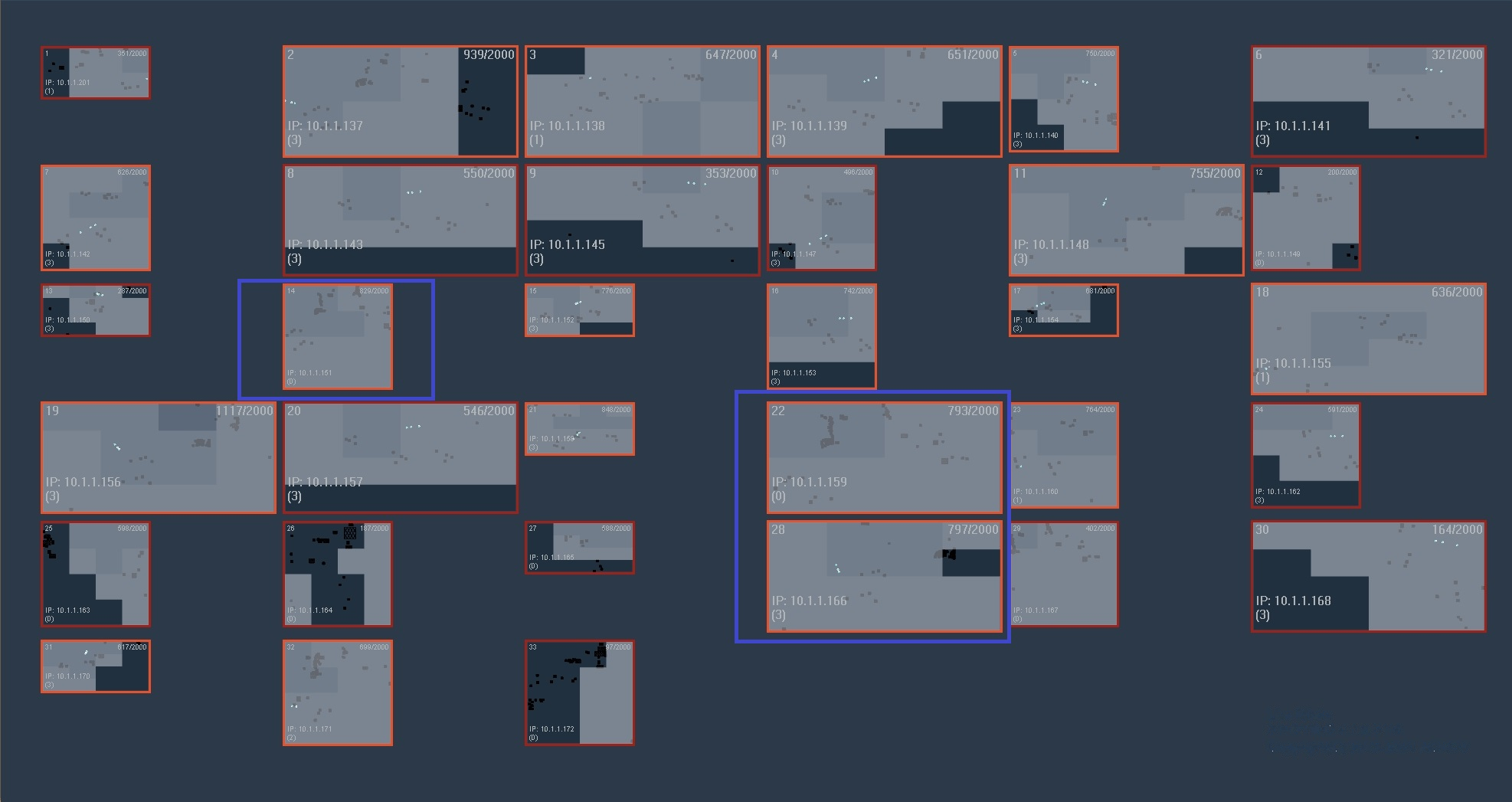
- When the number of collected valid frames is between 60% and 99%, the camera border color is displayed as orange.

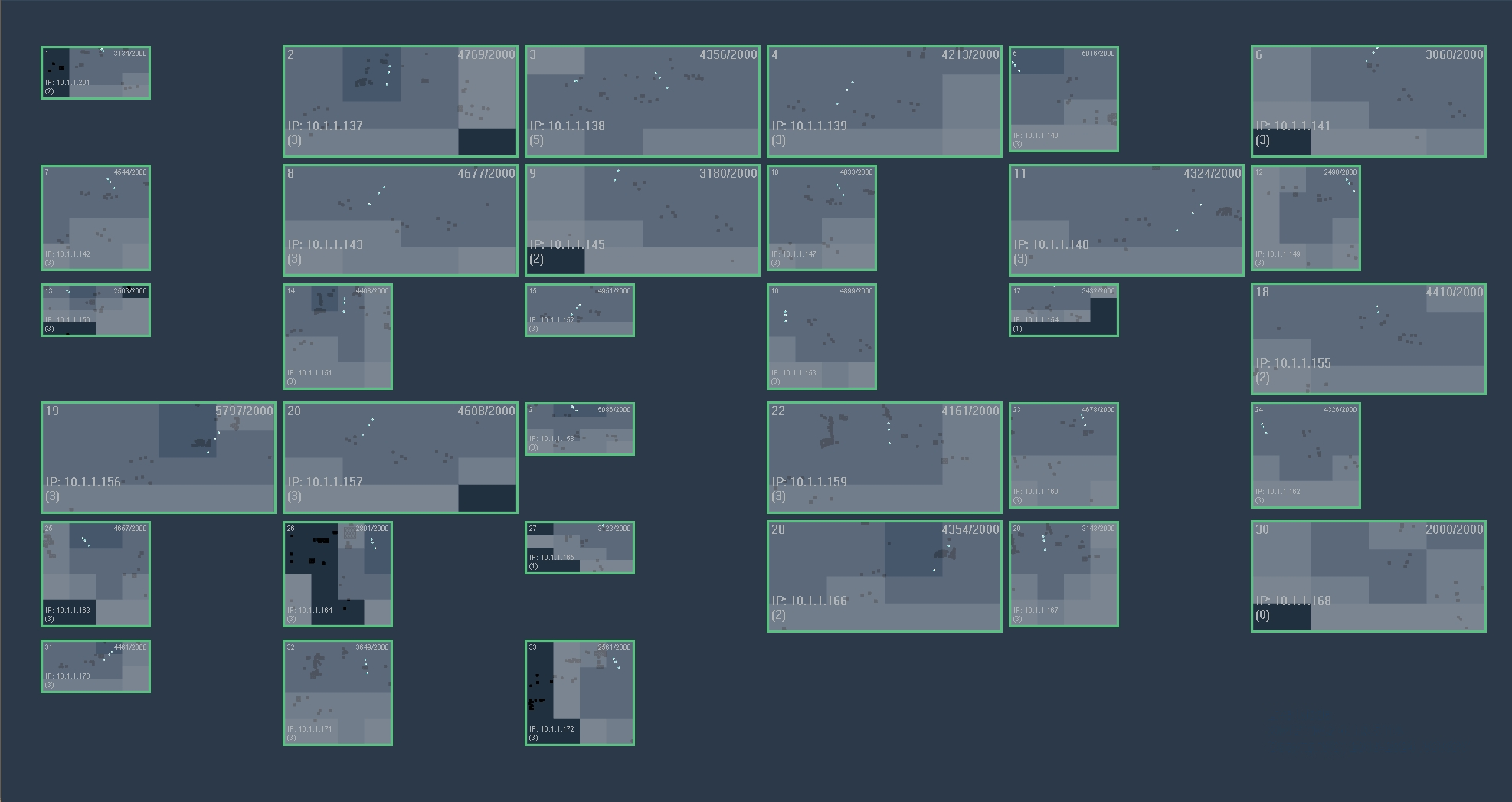
- When the number of collected valid frames reaches 100%, the camera border color is displayed as green.
Calibration completion sound
Play a preset sound to notify the user of the operation result when calibration or data collection is complete.